In focus
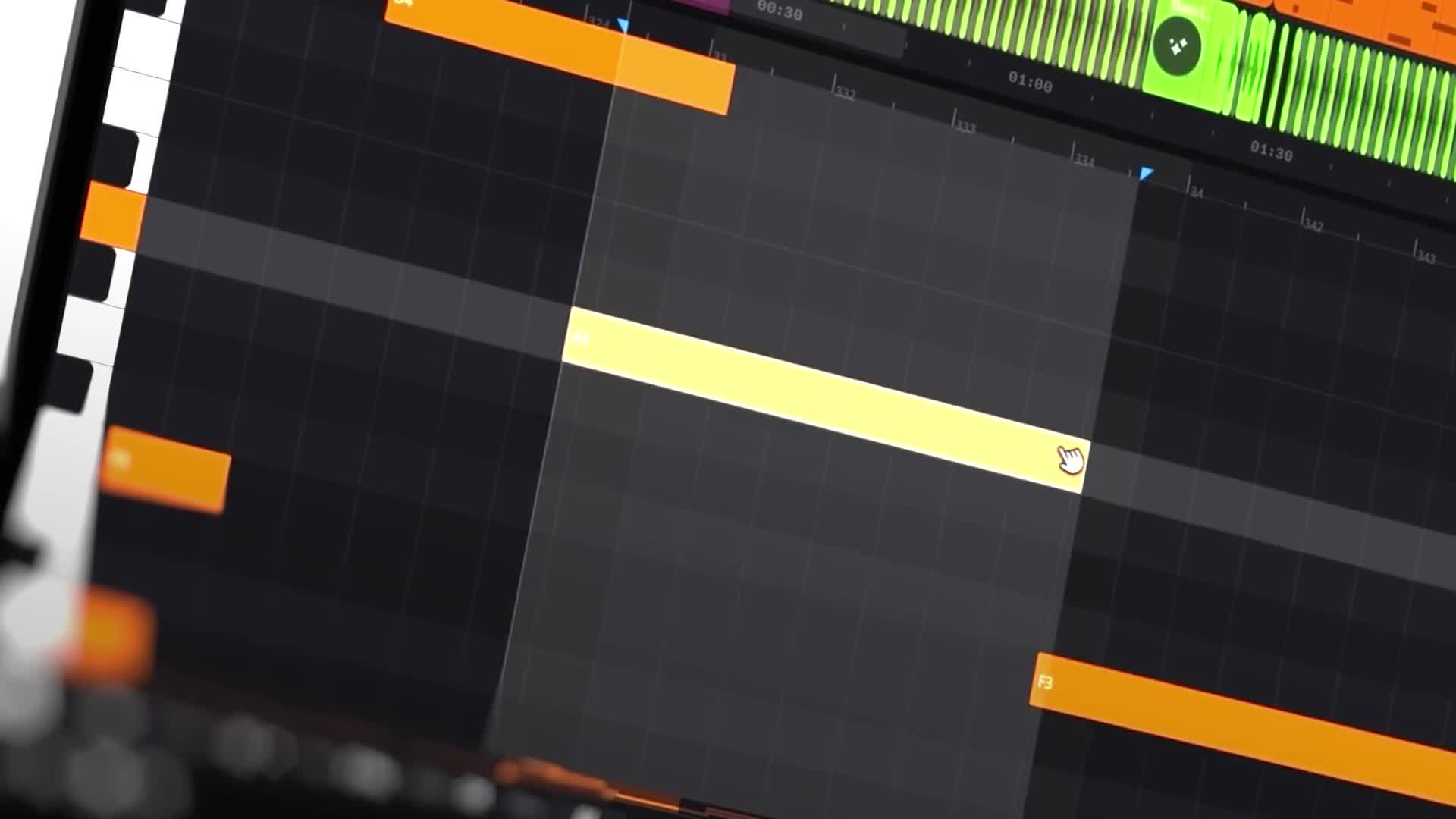
 Suno / Studio
AI songwriting meets the production session. Explore the actual Studio environment alongside our creative workflow ideas.
Suno’s v6 announcement describes creating music from combinations of text, audio, images, and video. Instead of starting only with a written genre prompt, creators can use visual material as part of the input. suno ↗
That opens a different kind of experiment: begin with the world of a project, then explore its possible sound.
Build a Small Creative Brief
Choose an image you own or have permission to use. Describe what matters about it: the sense of space, emotional temperature, implied movement, or contrast between subjects.
Then add musical constraints. Specify the role of the vocal, the density of the arrangement, or whether the piece should feel restrained or expansive.
Compare several interpretations against the same brief. The question is not whether the music literally “matches” the picture. It is whether both feel like parts of the same artistic world.
This could become a starting exercise for a concept release, visual EP, or soundtrack experiment. Keep the direction yours: the input sets a context, but selecting and shaping the result is still the creative task.
This article draws on the linked product sources. Creative workflow suggestions are editorial guidance, not a hands-on product test. Features and access can change. Read our editorial approach.