In focus
 Suno / Studio
AI songwriting meets the production session. Explore the actual Studio environment alongside our creative workflow ideas.
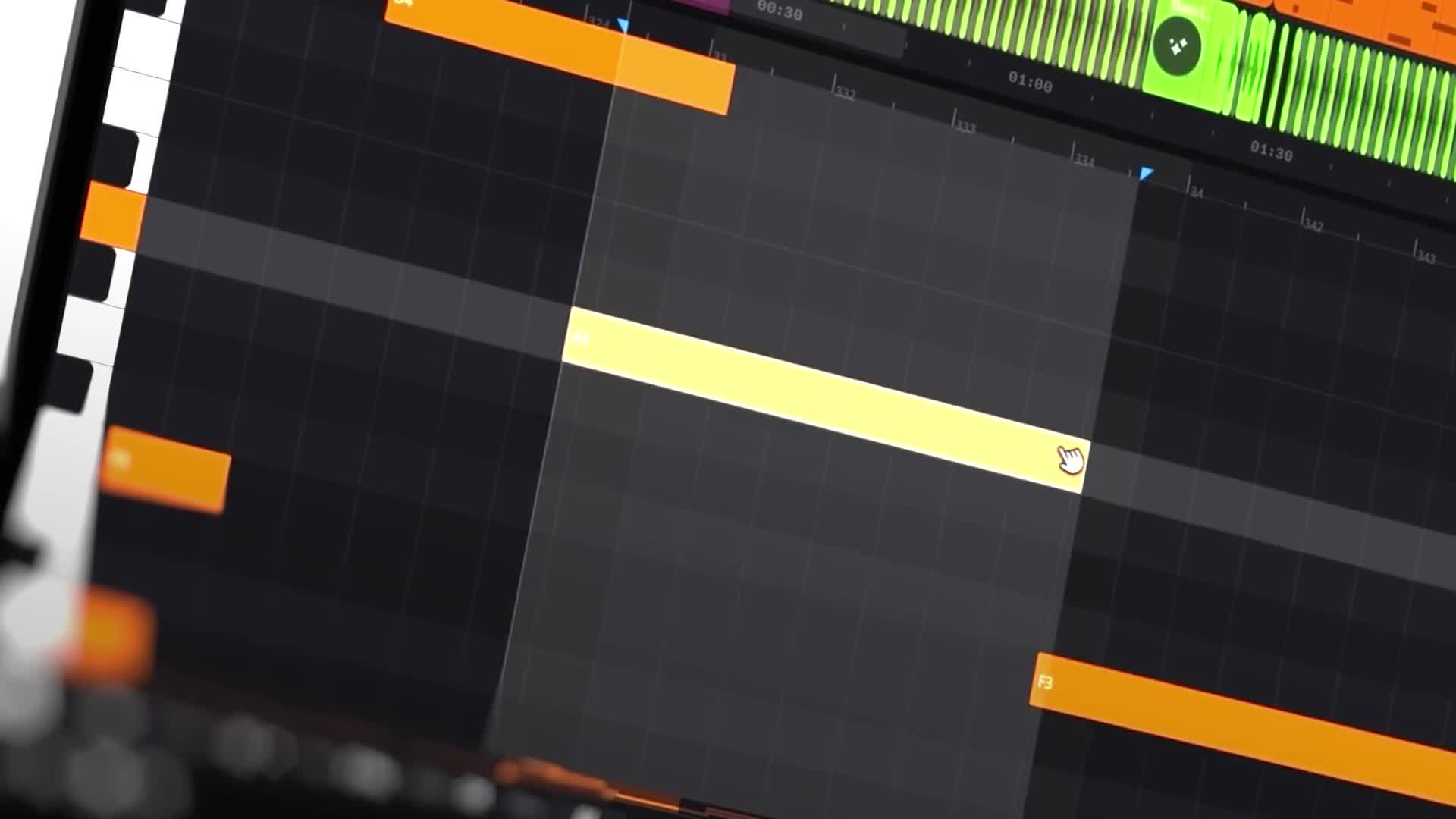
Suno’s v6 release, announced September 9, introduces a family of models: v6, v6-wild, and v6-mini. Alongside generation, Suno describes targeted editing capabilities, including changing a section through a written instruction and replacing an individual lyric without rebuilding the whole song. suno ↗
That changes the creative question. Instead of asking only, “Can this make a track?” artists can start asking, “Can this help me develop this particular idea?”
Give Every Generation a Job
A useful way to explore these tools is to start with a specific musical problem: a chorus that needs more lift, a bridge that feels too dense, or a lyric that breaks the emotional thread.
For example: “Make the bridge more restrained, with sparse percussion and a softer vocal delivery.” Treat that as an experiment, then compare the result with the original.
Suno describes v6-wild as the more exploratory model, while positioning the main v6 model as more predictable. That suggests two different creative roles: discovery when you need unexpected ideas, and refinement when you have a clearer destination. These are the company’s descriptions, not independent performance findings. suno ↗
The opportunity is not simply to generate more material. It is to make more intentional decisions about the material worth keeping.
This article draws on the linked product sources. Creative workflow suggestions are editorial guidance, not a hands-on product test. Features and access can change. Read our editorial approach.