In focus
 Suno / Studio
AI songwriting meets the production session. Explore the actual Studio environment alongside our creative workflow ideas.
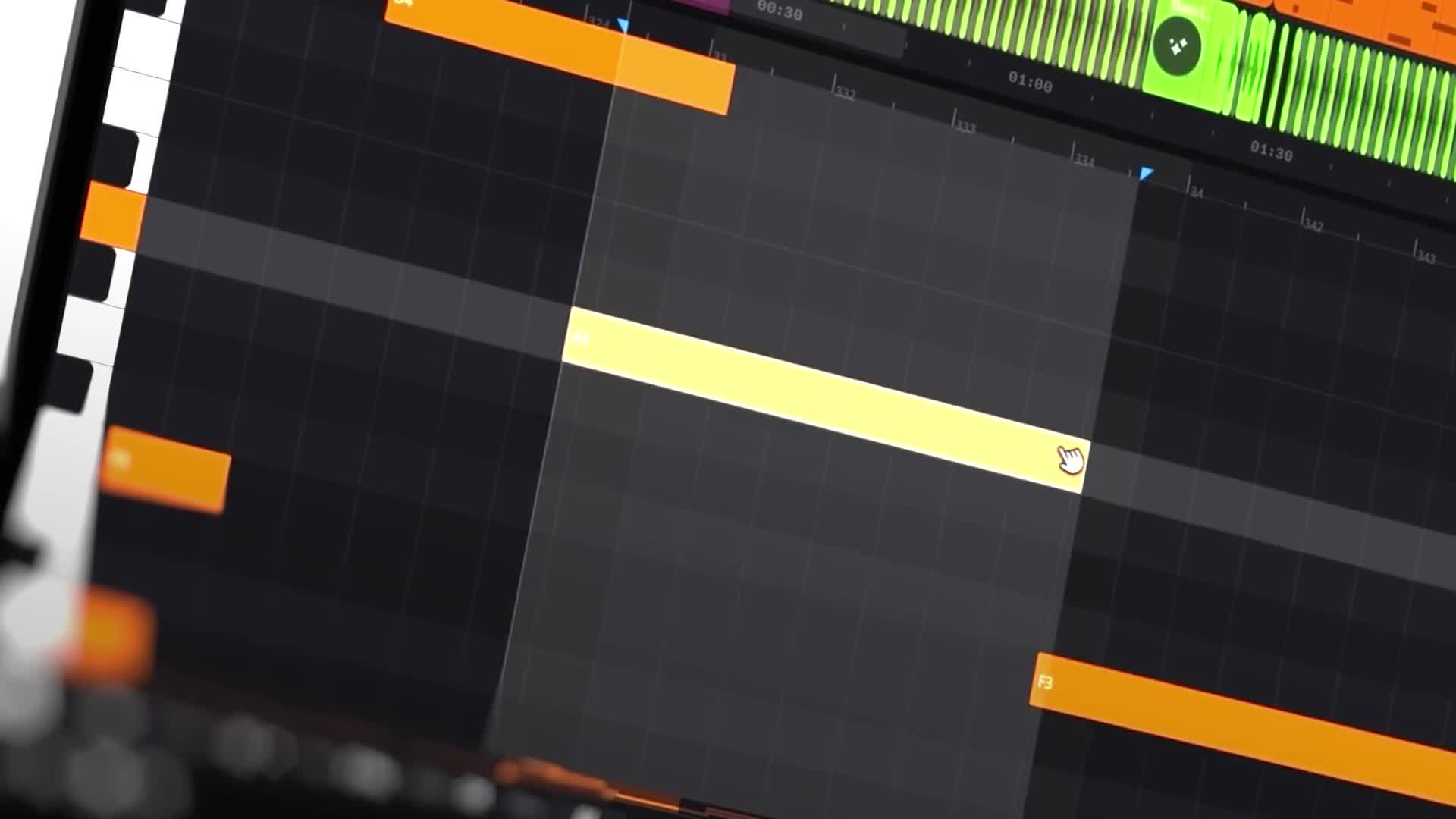
Suno presents Studio 2.0 as a browser-based digital audio workstation. Its product page describes importing audio and stems, arranging, editing, automation, effects, MIDI controller input, and exports of full songs, stems, or selected ranges. Check Suno’s current plan details before choosing a subscription. Suno Studio ↗
That makes it worth examining as an arrangement environment—not just a place to press Generate.
Separate Discovery From Finishing
A practical approach is to divide your process into stages:
- Explore a musical direction.
- Select the sections that support the song.
- Rebuild the arrangement around those choices.
- Export material for further work when needed.
The important distinction is between finding something exciting and making it hold together across a complete track.
Studio’s documented multitrack and stem-export options create a potential bridge into an existing production workflow. They do not, by themselves, establish how well every exported part will fit your mix or how much cleanup it will need. Suno Studio ↗
Before committing to a full production, test a short export in your usual session. Judge the sound, timing, and flexibility—not just the convenience of staying inside one platform.
This article draws on the linked product sources. Creative workflow suggestions are editorial guidance, not a hands-on product test. Features and access can change. Read our editorial approach.